 IC Markets

 3:09
 2:39
 2:10
 2:18
 3:43
 8:42




































Expert Advisor and Automation Rules at Prop Firms
Most firms allow expert advisors. What they police is how an EA trades: shared strategies, server load and practices that exploit the simulation.
 WriterAbir KhanWriterWrites the guides · checks every figure against primary sources View profileAbout Abir →

 Market analysisTanbir Habib RiyadForex & Crypto AnalystForex and crypto analyst · technical and fundamental analysis View profileAbout Tanbir →

 Fact-checking & riskJannatul FerdaushFact-Checker & Risk AnalystFact-checks every figure · risk analysis · Applied Statistics, University of Dhaka View profileAbout Jannatul →

 Trading reviewJowel RanaForex TraderForex trader · reviews guides from a trader's view View profileAbout Jowel →

 Final approvalRanjan N. MondolForex TraderForex trader · signs off every guide View profileAbout Ranjan →

An expert advisor, or EA, is a program that places trades for you on MetaTrader. Most established prop firms allow them. The rules are less about whether you automate and more about what the automation does, because a few EA behaviours can only make money on a simulated account.
What FTMO allows
FTMO says your trading style is up to you, and accepts discretionary, algorithmic and EA-based trading as long as it is legitimate, uses proper risk management and avoids its forbidden practices. It does not require a stop loss. It does set technical limits:
- Its servers allow up to 200 orders at a time and 2,000 positions a day.
- If an EA puts excessive load on the server, FTMO may ask you to change its logic or settings.
- If many traders run the same third-party EA, they are effectively running one strategy, and exceeding FTMO’s maximum capital allocation rule that way can lead to an account being refused.
Watch this on video
What trading bots really are
From our lesson "AI Trading Bots: Hype vs Reality" (Forex safety, part 3). This part starts at 0:16 of the 2:12 video and plays in a large player.
What firms usually ban
Wording differs, but the banned behaviours are similar across the industry:
- Exploiting the simulation: latency or price-feed arbitrage, or trading on delayed prices.
- Hedging across accounts: opposite positions on two accounts or two firms so that one passes whatever happens.
- Copying another trader’s signals or accounts onto yours, or letting someone else trade your account.
- Very high-frequency trading that only works without real-market costs.
- Gambling patterns: all-in positions or martingale grids that pass by luck.
Firms review trades before paying. An EA that passed the evaluation can still lead to a refused payout if the review finds a banned pattern, so read the forbidden practices before you buy, not after you pass.
Using a bought EA
A commercial EA sold to thousands of people places the same trades for all of them. Firms see that as one large strategy spread across many accounts, which can breach allocation limits or look like copy trading. If you use a bought EA, change its settings meaningfully and keep your own record of how you tested it.
A safe setup
- Test the EA on a free demo account with the firm’s loss limits coded in as hard stops.
- Make the EA stop trading for the day well before the daily loss limit.
- Run it on a VPS so a dropped connection does not leave trades unmanaged.
- Check news restrictions on the funded account and pause the EA around restricted events.
An EA follows the code, not the rulebook. Every prop rule you care about, daily loss, maximum loss, news windows, has to be written into it, or it will break them for you.
Coding the prop rules into an EA
An EA can follow prop rules more reliably than a person, but only if they are written in. The minimum set:
| Rule | How to implement |
|---|---|
| Daily loss | Track equity against the day’s starting balance; stop opening trades at your own limit, well inside the firm’s |
| Maximum loss | Track the floor, static or trailing, and stop well before it |
| Risk per trade | Calculate lot size from the stop distance and a fixed percentage |
| News | Pause around restricted events on funded accounts that restrict them |
| Daily reset | Use the firm’s reset time and time zone, not the terminal’s local time |
| Order limits | Stay well under the firm’s server limits, such as FTMO’s 200 orders and 2,000 positions a day |
Testing an EA for prop conditions
- Backtest on enough history to include fast markets, not just calm ones.
- Measure the worst day and worst drawdown, not only total profit.
- Forward-test on a demo account under the firm’s exact limits for several weeks.
- Check fills and slippage on the firm’s own platform or free trial, which can differ from a backtest.
An EA whose worst backtested day is close to the daily limit will breach it live, because live conditions are rarely kinder than the test.
Copy trading and signal services
Copying trades from another account, or from a signal service, is treated differently from running your own EA at many firms, and is often banned or restricted. Even where allowed, many traders copying the same signals look to the firm like one strategy on many accounts. Read the firm’s rules on copy trading specifically before connecting any external service.
An EA backtested over two quiet years showed a worst day of −1.8 per cent. On its third week on a funded account, a central bank surprise produced a −4.6 per cent day before the EA’s own daily stop kicked in, because the stop checked closed trades only. Coding the stop on equity, not balance, would have held the loss near the planned limit.
Many firms prohibit using an EA bought from a marketplace if many other traders use it unchanged. Read the strategy rules before you run one.
Related guides
These guides cover the rules an EA has to respect.
- The daily loss limit: how it is measured, why equity counts and how to stay inside it.
- News trading rules: what is restricted around releases, and on which accounts.
- Position sizing for a challenge: the lot-size formula and safe risk per trade.
- Trailing drawdown, with numbers: how a trailing floor follows your profit and when it stops.
The short version
Most firms allow EAs; few allow every EA. Code the loss limits on equity, size from the stop, pause around restricted news, stay well under server limits, and test on the firm’s own platform before trusting a backtest.
Key terms
| Term | Meaning |
|---|---|
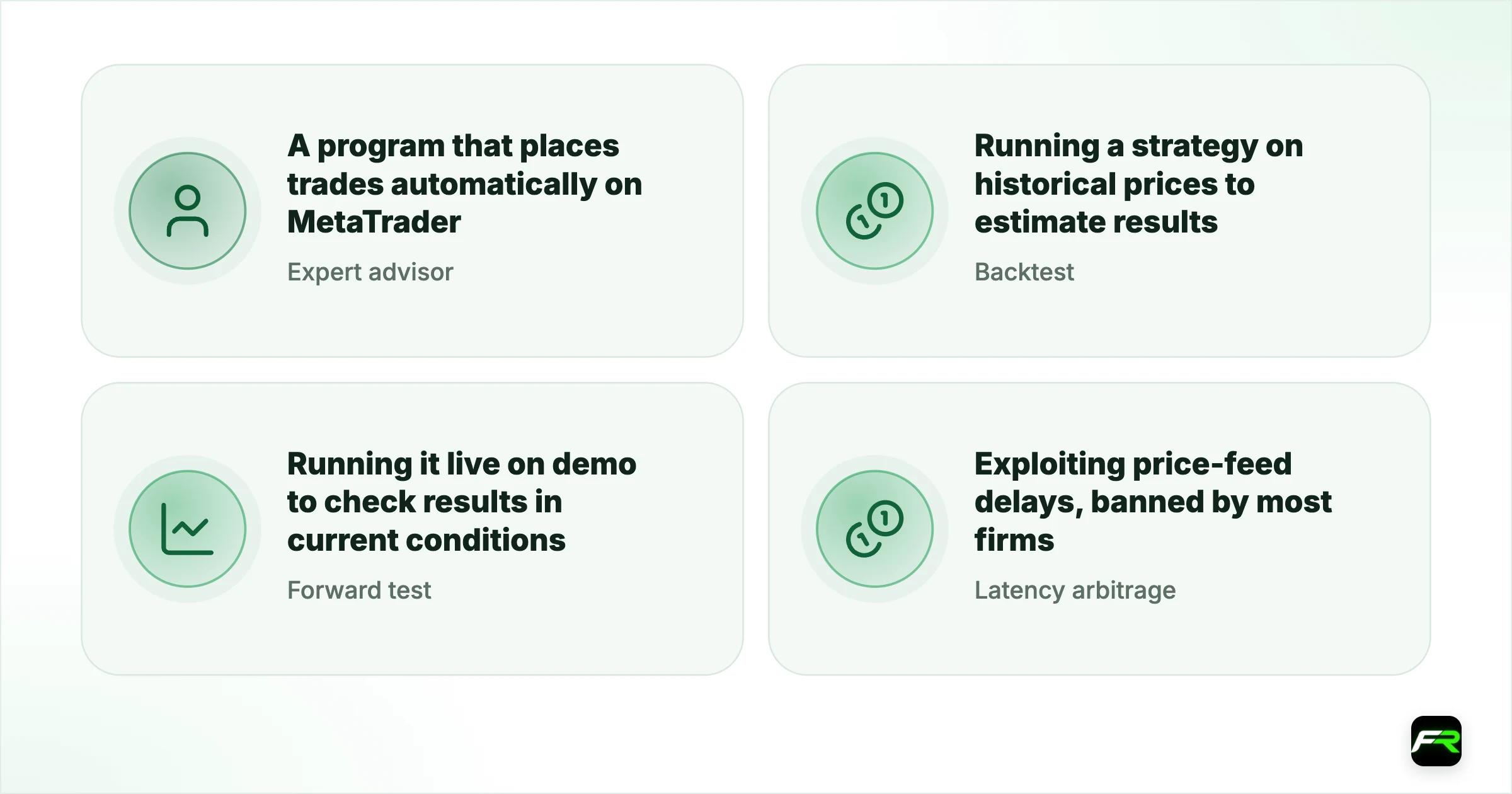
| Expert advisor (EA) | A program that places trades automatically on MetaTrader |
| Backtest | Running a strategy on historical prices to estimate results |
| Forward test | Running it live on demo to check results in current conditions |
| Latency arbitrage | Exploiting price-feed delays, banned by most firms |
Cite this guide
FX Recap, "Expert Advisor and Automation Rules at Prop Firms", updated 14 October 2026, https://fxrecap.com/prop-trading/prop-firm-ea-automation-rules
Free to quote with a link. Journalists: data and comment in our press room.
Frequently asked
Can I use an expert advisor on a prop firm account?
At most established firms, yes. FTMO, for example, accepts EA-based trading as long as it is legitimate, uses proper risk management and avoids its forbidden practices.
What EA strategies do prop firms ban?
Usually latency or price-feed arbitrage, hedging across accounts, copying other traders, very high-frequency trading that relies on the simulation, and gambling patterns such as all-in or martingale trades.
Can I use an EA I bought online?
Often, but carefully. Many traders run the same commercial EA, so the firm sees one strategy on many accounts. FTMO says exceeding its maximum capital allocation rule through such an EA can lead to an account being refused.
Does FTMO limit how many trades an EA can place?
Yes. FTMO's servers allow up to 200 orders at a time and 2,000 positions a day, and FTMO may ask you to change an EA that puts excessive load on them.
How do I make my EA follow prop firm rules?
Code the daily and maximum loss limits on equity, size each trade from its stop and a fixed risk percentage, pause around restricted news, use the firm's reset time, and stay well inside its server order limits.
Can I use copy trading on a prop account?
Often not, or only under conditions. Many firms ban copying other traders or signal services; read the copy trading rules for your plan specifically.
Related reading
The team behind this guide
Researched, checked and approved by five forex specialists
Every guide is written, fact-checked and edited before it goes live, and updated when the facts change. Spotted an error? Tell us.